IPTV on LG TV setup USA: how webOS changes the setup
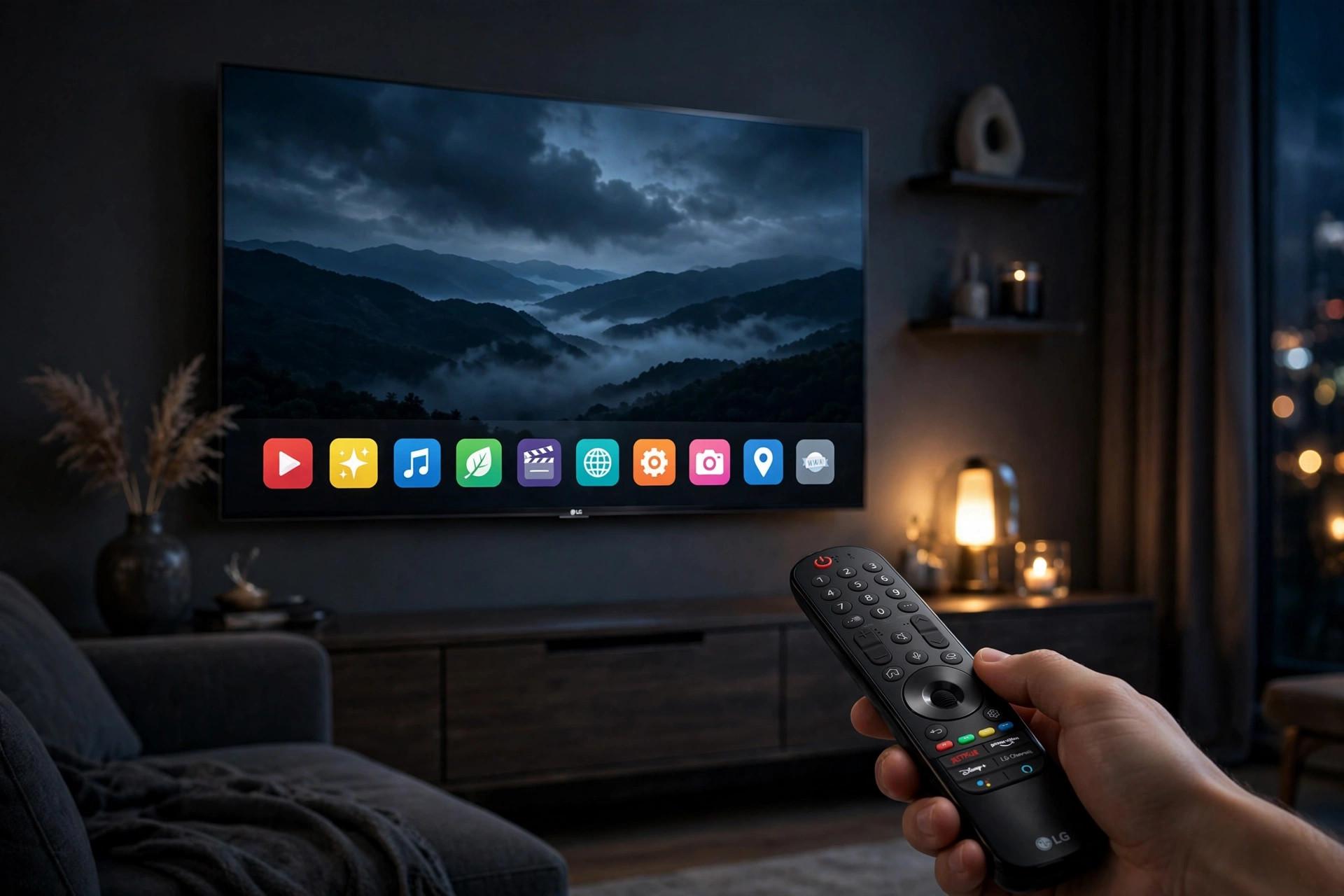
LG TVs run webOS, LG own operating system, and that decides everything about IPTV on LG Smart TV. webOS has its own app store, the LG Content Store, and it does not carry TiviMate, IPTV Smarters Pro or any Android player — the apps that work on webOS are IBO Player, Smart IPTV, and a few smaller players. IBO Player is the one to install: it is the most maintained, it handles large playlists without slowing down, and its interface suits the Magic Remote pointer. The setup is different from a Firestick because there is no login form — the TV identifies itself by its MAC address, and support activates the playlist against that address.
The good news is that nothing extra is needed. No Firestick, no Android box, no cables beyond power and network — the TV is the whole setup. LG OLED, QNED and NanoCell sets from 2018 onward all run IBO Player, and the app is free to install from the Content Store. The Magic Remote is the best TV remote for IPTV: the pointer flies across the guide, the scroll wheel moves through channel lists fast, and the number buttons jump straight to a channel. The Samsung setup guide is the equivalent page for Tizen sets, and the Firestick setup guide is the fallback if the household wants TiviMate instead.
Install IBO Player on LG Smart TV
Press the Home button on the Magic Remote, open the LG Content Store, and search for IBO Player — the icon is a dark square with a white play triangle. Install it and open it from the home screen. The first screen shows two values in large text: the MAC address, which looks like 00:1A:79:XX:XX:XX, and a key, usually six characters. Write both down exactly, or take a photo with your phone — a single wrong digit means the playlist never activates. The app itself is free to install, and the playlist activation is what turns it into your TV service. If the Content Store shows no IBO Player, check the TV region under Settings, then General, then Location, or update the TV software under Settings, then Support, then Software Update, and search again.
- Open the LG Content Store and install IBO Player.
- Open IBO Player and write down the MAC address and key on screen.
- Send the MAC address and key to support on WhatsApp.
- Wait for the activation reply, usually a few minutes.
- Restart IBO Player and let the playlist and guide load completely.
- Add IBO Player to the home screen for one-click access.
- Open the guide and check that programme names load for tonight.
Send the MAC address and key to support on WhatsApp and wait for the activation reply. The reply usually arrives within a few minutes during the day, and it confirms the playlist is live against that MAC address. Restart IBO Player — press Home, then reopen the app from the launcher — and the channels, groups, movies and guide load in one to three minutes. If the app still shows the MAC screen after a restart, the activation has not landed yet: wait five minutes and restart again. Never share the MAC address and key publicly; anyone with both can watch on the line, and a shared key is the most common reason a line gets locked.
Smart IPTV: the alternative player on LG
Smart IPTV is the older player on LG TVs, and it still works well on sets where IBO Player feels slow. Install it from the Content Store, open it, and note the MAC address on the home screen, then send that address to support the same way. Smart IPTV loads the playlist from a URL rather than a MAC activation on some setups, so support may send a playlist link instead — paste it into the app settings under the playlist section. The interface is plainer than IBO Player, with smaller text and fewer logos, but it is lighter, and on a 2018 or 2019 LG set that extra lightness shows. The app charges a one-time activation fee of about 6 euros after a seven-day trial, paid on the Smart IPTV website, and that fee is separate from the IPTV subscription.
Which player should you pick? Start with IBO Player, because it is free, it handles the full 57,000-channel list without lag, and its guide looks better on an OLED screen. Switch to Smart IPTV only if IBO Player stutters on an older set or if the household already knows its menus. Both players show the same channels, the same movies and the same guide once the playlist is active — the difference is only the interface. The install page lists the setup steps for every device, and the EPG setup guide explains the guide, time zones and catch-up on smart TVs.
Set up the EPG and favorites on LG TV
The EPG in IBO Player loads automatically with the playlist and shows as a grid when you open the guide from the app menu — the Magic Remote pointer makes the grid fast to browse, and the scroll wheel moves through hours without repeated button presses. The guide covers the current programme and the next one per channel, and scrolling right shows the rest of the evening. If the guide shows the wrong times, the TV clock is the cause: open Settings, then General, then Date and Time, and set it to automatic with the correct US time zone. The app reads the TV clock, so a set left on the wrong zone shifts the whole grid.
Favorites in IBO Player work from the channel list: highlight a channel with the pointer, press and hold OK, and choose Add to Favorites, and the favorites group appears at the top of the list. The app also lets you hide groups you never watch, so the list stays short. Channel logos load automatically once, and they make zapping far faster than reading text names. The Magic Remote number buttons jump straight to a channel number, which is the fastest way to reach ESPN or HBO without scrolling — type the number and the channel opens. The TiviMate setup guide shows the favorites system on the Firestick for comparison.
LG TV picture and audio settings for IPTV
LG OLED sets have the best picture of any TV in this niche, and two settings decide whether you see it. Open Settings, then Picture, then Picture Mode, and choose Cinema or Filmmaker Mode for evening viewing — Filmmaker Mode turns off all motion processing and shows the film exactly as graded, which is the mode directors ask for. Set TruMotion to Off or to a low custom value, because the motion smoothing makes films look like video and adds lag to live sport. Under Settings, then General, then HDMI Settings, set the HDMI input to Enhanced or 4K, or the TV caps the input at 1080p. The OLED Pixel Brightness setting under Picture, then OLED Care, is worth leaving on Auto so the panel manages its own brightness.
| Setting | Where to find it | Recommended value |
|---|---|---|
| Picture mode | Settings, Picture | Cinema or Filmmaker Mode |
| TruMotion | Settings, Picture, Clarity | Off or low custom |
| HDMI input | Settings, General, HDMI Settings | Enhanced / 4K |
| Sound output | Settings, Sound, Sound Out | HDMI ARC or TV Speaker |
| Wi-Fi band | Settings, General, Network | 5 GHz if signal is strong |
Audio on LG TVs usually runs through the TV speakers or a soundbar over HDMI ARC, and the setting sits under Settings, then Sound, then Sound Out. Choose HDMI ARC when a soundbar is connected, and set the Digital Sound Output to Auto so Dolby Digital Plus passes through untouched. If lips and sound drift apart, the AV Sync Adjustment in the same menu fixes it in milliseconds — set it once, on the TV, and leave the player app alone. LG OLED sets also have a Wi-Fi band choice under Settings, then General, then Network: pick 5 GHz where the signal is strong, or use the Ethernet port on the back of the set, which is the most reliable connection for evening games.
LG IPTV not working: the fixes that work
An IBO Player that shows the MAC screen after activation usually needs a full restart of the app, not a new activation. Press Home, wait ten seconds, and reopen the app from the launcher. If the channels load but the guide is blank, the EPG has not finished its first download — wait three minutes with the app open, because the guide downloads in the background and fills in progressively. A playlist that loads no channels at all usually means the MAC address was typed with a mistake when support activated it: check the address on screen against the one you sent, and message support with a photo of the screen.
Buffering on an LG TV is a network problem far more often than an app problem. Run a speed test from the TV browser or from a phone on the same network, and compare with the 25 Mbps that 4K needs, at 8 PM rather than in the morning. A TV on 2.4 GHz in a crowded apartment is the usual cause, and the fix is the 5 GHz band or the Ethernet cable already hanging behind the set. If the app crashes back to the home screen, delete and reinstall it from the Content Store — the MAC address stays the same, so no new activation is needed, and the playlist reloads on first launch. Message support on WhatsApp with the TV model number and a photo of the error when the fix is not obvious.
- Send the MAC address and key to support before expecting channels to appear.
- Set the TV clock to automatic so the EPG times stay correct.
- Use Cinema or Filmmaker Mode and turn off TruMotion for films and sport.
- Connect the TV by Ethernet or 5 GHz for 4K, and test speed at 8 PM.
- Reinstalling IBO Player keeps the same MAC, so no new activation is needed.