Formuler IPTV setup USA: which boxes this guide covers
Formuler IPTV setup USA covers the boxes most US homes buy: the Formuler Z11 Pro Max, the Z11 Pro, the Z10 Pro Max and the older Z8 Pro. The Z11 Pro Max is the flagship: a fast processor, 4 GB of RAM, 32 GB of storage, gigabit Ethernet, two USB 3.0 ports, 4K HDR with Dolby Vision, and the MYTVOnline 3 app built in. It costs about $170, against about $130 for the Z11 Pro and $100 for the Z10 Pro Max. The setup is identical on all of them, because MYTVOnline is the same app — the only differences are speed, storage and picture quality. A Formuler box has no app store in the usual sense, so everything runs through MYTVOnline, and that focus is exactly why the box feels faster than a Firestick on a big playlist.
Before you start, check the box software version: open Settings, then Software Update, and install any update before entering the portal, because an old MYTVOnline build can refuse a new portal URL. Connect the box by Ethernet where possible — the Z11 Pro Max has a gigabit port, and a wired connection is the most reliable for 4K and for recording. The remote is the Formuler GTV-BT1 with voice control, and the voice button searches MYTVOnline once the app is installed. The MAG setup guide covers the other big dedicated box, and the Android TV setup guide is the page for Google TV sets.
Add a portal in MYTVOnline on Formuler
Open MYTVOnline from the home screen — it is the big tile in the middle, and it opens straight into the portal manager on first launch. Choose Add Portal, and the form asks for a portal name and a portal URL. Type a name you recognize, such as Top IPTV USA, and the portal URL from the WhatsApp message into the URL field. The URL starts with http:// or https:// and ends with /c/ or /stalker_portal/ depending on the server, so copy it exactly, character by character, with no trailing spaces. The on-screen keyboard is slow, so use the voice button to dictate the address, or type it carefully with the arrow keys and double-check before saving — one wrong letter gives a blank portal and no error message.
- Open MYTVOnline from the Formuler home screen.
- Choose Add Portal and type a portal name you recognize.
- Type the portal URL from the WhatsApp message exactly as shown.
- Press Connect and wait for the portal to load the playlist.
- Let the channels, movies, series and EPG load for one to three minutes.
- Open the guide and check that programme names load for tonight.
- Add MYTVOnline to the home screen favorites for one-click access.
Press Connect and the box loads the portal: channel groups on the left, the channel list in the middle, and the guide on the right. The first load takes one to three minutes while the EPG downloads. If the portal loads but shows no channels, the portal URL is the cause — retype it character by character against the WhatsApp message, paying attention to the port number and the /c/ ending. MYTVOnline also accepts an Xtream Codes login instead of a portal: choose Add Playlist, then Xtream Codes, and type the server URL, username and password. The portal route is the simpler of the two on Formuler, because the box was built for it, and the Xtream route is the fallback when the portal refuses.
MYTVOnline interface: guide, favorites and multi-view
MYTVOnline 3 is the best IPTV interface on any dedicated box, and it shows the moment the portal loads. The home screen shows live TV, movies, series and the guide as separate tiles, with a recent-channels row underneath. The EPG grid opens with the Guide button on the remote and shows now and next on every channel, with a full day view when you scroll right. Catch-up channels show a clock icon in the guide, and scrolling back plays programmes that already aired, usually for 24 to 48 hours. The voice button searches channels, movies and series by name, which beats typing on the on-screen keyboard every time.
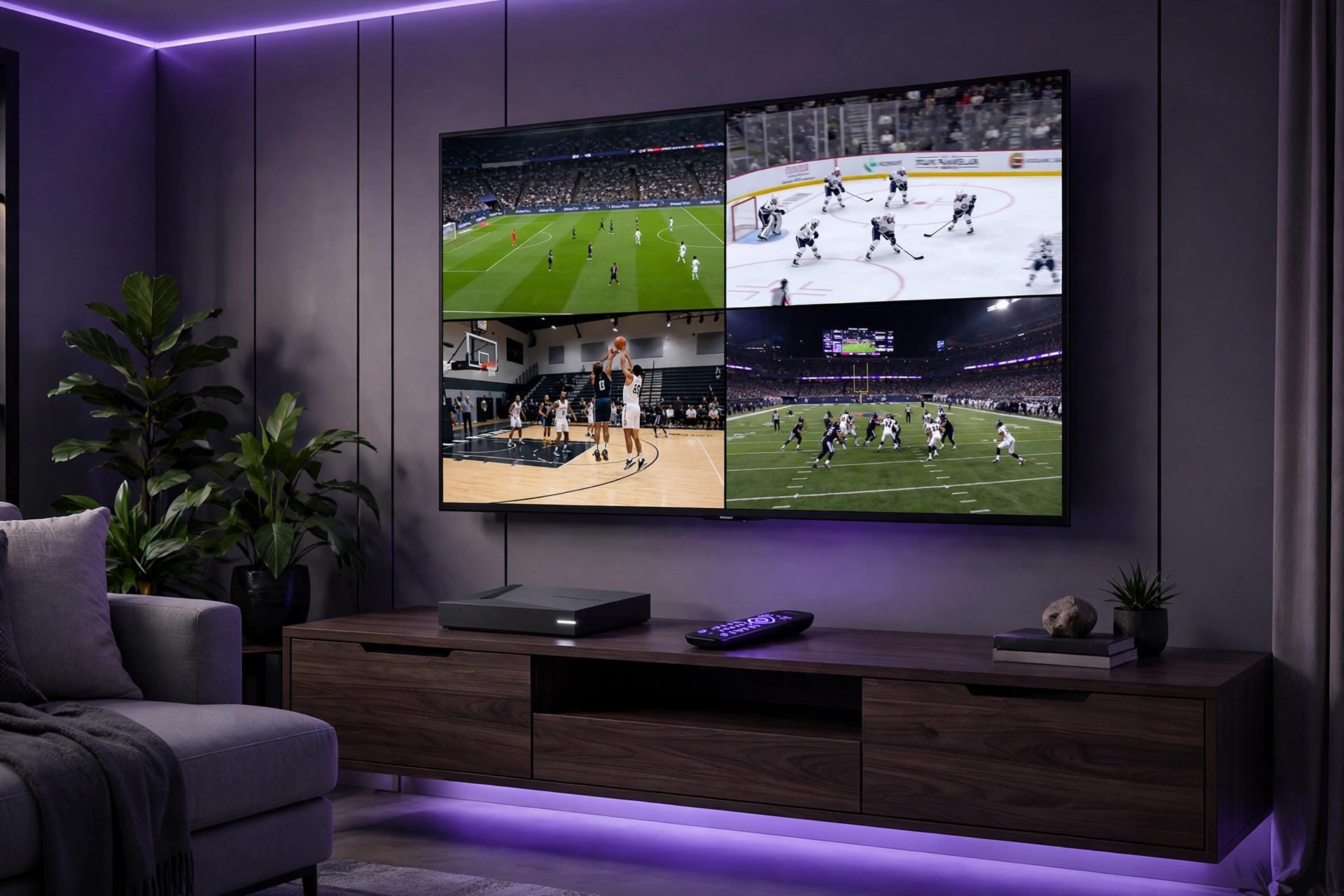
Favorites in MYTVOnline work from any channel list: highlight a channel, press and hold OK, and choose Add to Favorites, and the favorites group appears at the top of the list. The app also lets you build custom groups, so an NFL group, an NBA group and a news group can live side by side. Multi-view is the Formuler party trick: open the player menu, choose Multi-view, and pick two, three or four channels to play at once on the big screen — handy on NFL Sundays when four games overlap, though each extra stream adds to the bandwidth, so a 50 Mbps connection is the practical floor for two streams in HD. The EPG setup guide covers the guide and catch-up in more detail.
Record IPTV on Formuler with MYTVOnline
Formuler boxes have the best built-in recorder of the dedicated boxes. Plug a USB drive into the back of the Z11 Pro Max — it has two full-size USB 3.0 ports, so no OTG cable is needed — and open MYTVOnline. Pick a channel, press the record button on the remote, and the box saves the stream to the drive from that moment. Scheduled recordings follow the EPG: open the guide, highlight a programme, choose Record, and the box starts at the programme start time even if you are watching something else. The box can record one channel while you watch another, which a Firestick cannot do, and that is the feature that sells the box to sports fans.
| Task | Where in MYTVOnline | Notes |
|---|---|---|
| Record live TV | Player screen, record button | Needs USB drive in the back |
| Schedule a recording | Guide, programme, Record | Follows the EPG start time |
| Multi-view | Player menu, Multi-view | 2 to 4 streams, needs fast Wi-Fi |
| Timeshift | Player screen, pause button | Pauses live TV, resumes later |
| Favorites | Channel list, hold OK | Custom groups available |
A 64 GB drive holds about thirty hours of HD or nine hours of 4K, and a 128 GB drive doubles that. Format the drive as exFAT on a computer before the first use, because FAT32 caps single files at 4 GB and splits a long game into pieces. Timeshift is the quieter feature: press pause on live TV and the box buffers the stream, so you can answer the door and resume where you left off — the buffer holds about an hour on a USB drive. If a scheduled recording never starts, the usual cause is the box going to sleep: open Settings, then Power, and set the sleep timer to Never on recording nights. The recording guide compares recording across Firestick, Formuler, MAG and PC in one place.
Formuler 4K, HDR and audio settings
Picture settings on Formuler live under Settings, then Display, where you pick the output resolution — set it to 2160p on a 4K TV and 1080p on an older set, and let the box negotiate the refresh rate automatically. Turn on the HDR setting for a 4K HDR TV, and set the color space to Auto so SDR channels play in SDR and HDR streams switch the TV into HDR mode only when they carry it. The TV picture mode matters too: set the TV to Movie or Cinema and turn off motion smoothing, because the Formuler upscaling plus the TV smoothing together over-process the picture. The Z11 Pro Max supports Dolby Vision and HDR10+, and the setting to enable them sits in the same Display menu.
Audio on Formuler passes through HDMI to a soundbar or receiver, and the setting sits under Settings, then Sound, then Audio Output — choose Auto or Passthrough so Dolby Digital Plus reaches the soundbar untouched. If lips and sound drift apart, the AV Sync setting in the same menu fixes it in milliseconds. The gigabit Ethernet port is the best connection for IPTV: a wired Z11 Pro Max holds 4K through the evening peak, while a Wi-Fi connection in a crowded apartment can dip below the 25 Mbps that 4K needs. The box also has a Wi-Fi band choice under Settings, then Network: pick 5 GHz where the signal is strong.
Formuler IPTV problems and the fixes that work
A portal that shows a black screen after connecting almost always has one of three causes: the portal URL is mistyped, the box has no internet, or the line is not activated. Check the network first: open Settings, then Network, and confirm the box has an IP address. A box that shows 0.0.0.0 has no connection — check the Ethernet cable or the Wi-Fi password. Next, check the portal URL character by character against the WhatsApp message, paying attention to the port number and the /c/ ending. Then message support with a photo of the screen — the team can check the portal from their side in under a minute.
A portal that loads the interface but shows no channels usually means the line expired or the playlist did not sync. Restart the box and wait the full three minutes — the first sync after activation is the slowest. If the guide loads but the channels show a loading spinner forever, the stream server is the cause, and changing channel and coming back is the test: if other channels play, that one feed is down. A box that freezes on the logo screen needs a factory reset from Settings, then System, then Factory Reset, then the portal URL entered again from scratch — keep the address from WhatsApp saved on the phone before using it.
- Update MYTVOnline before entering the portal URL.
- Copy the portal URL exactly — one wrong letter gives a blank screen.
- Use Ethernet where possible; the Z11 Pro Max has a gigabit port.
- Set the sleep timer to Never on nights you schedule a recording.
- Keep the portal URL saved on your phone before any factory reset.