IPTV device setup USA: the login types first
IPTV device setup USA starts with the login, because the login decides the steps. There are four login types, and each device uses one of them. Xtream Codes is a username, a password and a server URL, and it works on Firestick, Android TV, Shield, Apple TV, iPhone, Windows and Mac through TiviMate or Smarters Pro. The MAC activation is a MAC address and a key shown on screen, and it works on Samsung and LG smart TVs through IBO Player. The portal URL is a web address typed into the box, and it works on MAG and Formuler through the built-in portal. Mirroring is the phone screen on the TV, and it is the only way on Roku, because Roku lists no IPTV player app. The login details arrive on WhatsApp after you start the free trial, and the same trial covers every device you test.
The second decision is the plan. A single-device plan logs in on one screen at a time, so the living-room Firestick and the bedroom TV cannot watch together. A multi-device plan gives each screen its own login: yearly Premium covers 2 devices for $159.99, 3 for $224.99 and 4 for $269.99, and each device gets its own credentials so the two never clash. Start with the free 24-hour trial on the main TV, then add the second device when the trial convinces you. The plans page lists every duration, and the IPTV setup overview walks through the trial and the first-run checklist in full.
Firestick and Fire TV: the five-minute setup
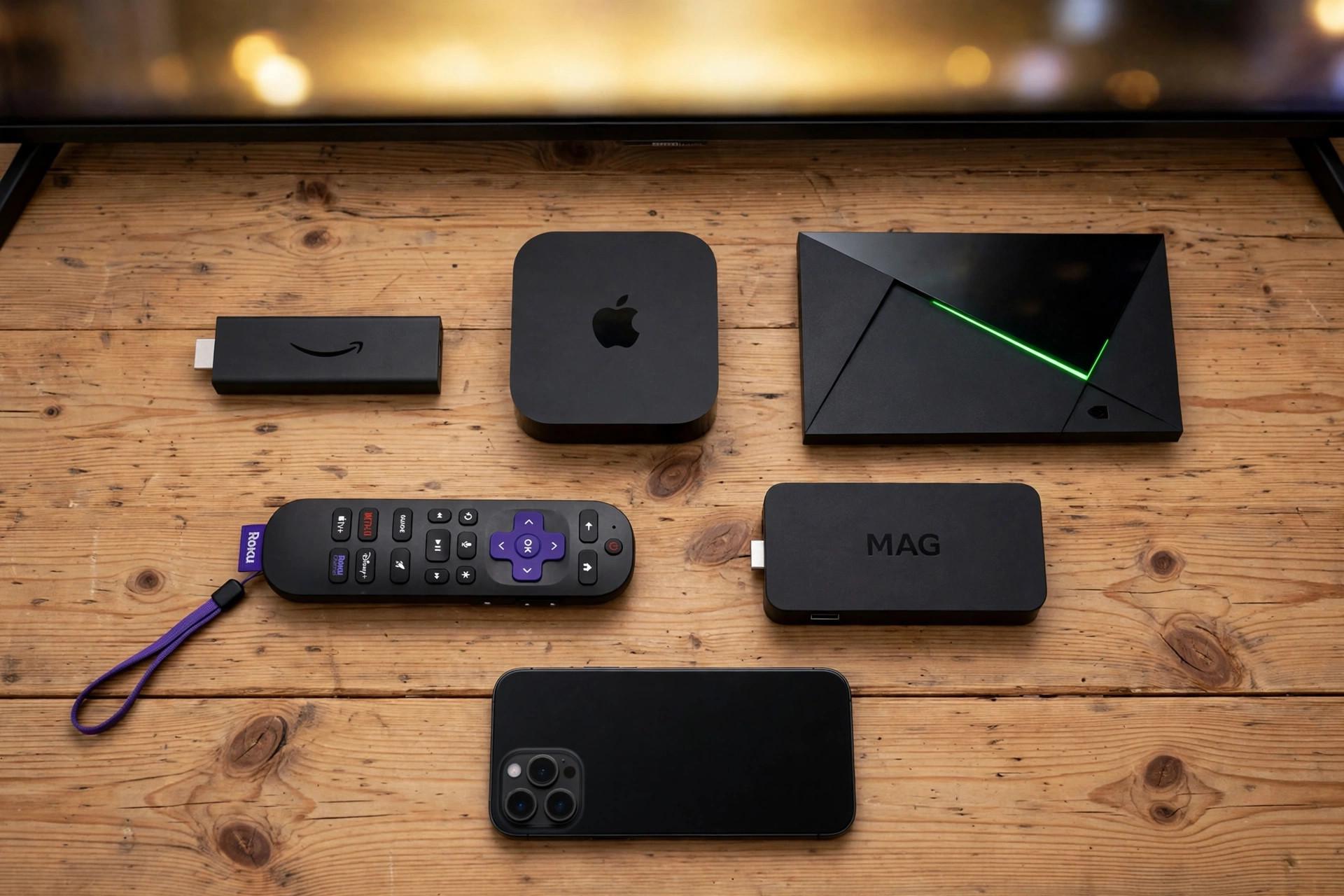
Firestick is the most common IPTV device in the USA, and the setup is the fastest of the dedicated boxes. Turn on Apps from Unknown Sources under Settings, then My Fire TV, then Developer Options. Install Downloader from the Amazon Appstore, use it to get IBO Pro Player (ask on WhatsApp for the current code), open the player, copy the MAC address and key it shows, and send both to support on WhatsApp. Restart the app once the playlist is activated, and the channels, movies and guide load in one to three minutes. TiviMate installs straight from the Appstore as the second player, with the same Xtream Codes login, and the Firestick 4K Max is the stick to buy for 4K, with 16 GB of storage and Wi-Fi 6.
The Firestick remote does everything once the app is installed, and the voice button searches channels by name. Add IBO Pro Player or TiviMate to the home screen front row: press and hold Home, open Apps, highlight the player, press Menu and choose Move to Front. Set the picture to Auto up to 4K Ultra HD with Match Original Frame Rate on, and use the 5 GHz band or the $15 Ethernet adapter for evening games. The Firestick setup guide covers the stick in full, and the Firestick 4K Max install guide covers the hardware from unboxing to first channel.
Android TV, Google TV and Nvidia Shield
Android TV and Google TV use the same steps on every set: Sony Bravia, TCL, Hisense, Chromecast with Google TV, the Google TV Streamer and the Nvidia Shield all install TiviMate or Smarters Pro from the Google Play Store. Open the app, choose Add Playlist, then Xtream Codes login, and type the server URL, username and password from WhatsApp. The playlist, movies, series and EPG load in one to three minutes. The Shield TV Pro is the strongest box in this group — its Tegra X1+ chip, 3 GB of RAM and gigabit Ethernet keep the guide fluid on a 57,000-channel list, and its USB ports enable recording with TiviMate Premium. The Chromecast dongle has only 8 GB of storage, so keep a single player app installed on it.
| Device | Player | Login type | Best for |
|---|---|---|---|
| Firestick 4K Max | IBO Player / TiviMate | MAC / Xtream | Cheapest 4K setup |
| Android TV / Google TV | TiviMate / Smarters Pro | Xtream Codes | Built-in TV apps |
| Apple TV 4K | Smarters Pro / iPlayTV | Xtream Codes | Apple households |
| Samsung / LG TV | IBO Player | MAC address | No extra hardware |
| MAG 540 | Built-in portal | Portal URL | Dedicated box |
| Formuler Z11 Pro Max | MYTVOnline | Portal URL | Recording + multi-view |
| Nvidia Shield Pro | TiviMate | Xtream Codes | Best performance |
| Roku | Mirroring | Phone mirror | Second TV |
Set the TV clock to automatic with the correct US time zone, or the EPG shows programmes hours off — that setting is under Settings, then System, then Date and Time on Android TV, and Settings, then Device Preferences, then Date and Time on the Shield. Set the HDMI input to Enhanced Format on Sony and TCL sets, or the TV caps the input at 1080p and 4K never arrives. The Android TV setup guide covers the sets in detail, and the Shield setup guide covers the fastest box, including AI upscaling and recording.
Apple TV, iPhone and iPad
Apple TV 4K runs IPTV Smarters Pro free from the App Store, or iPlayTV for about $6 as a one-time purchase. Install the player, choose Login with Xtream Codes API, and type the username, password and server URL from WhatsApp — use the iPhone keyboard in Control Center to paste the password, because the on-screen keyboard on the TV is a single row of letters. The playlist and EPG load in one to three minutes. Set the base format to 4K SDR with Match Content on for dynamic range and frame rate, and pick the 128 GB model for the Ethernet port. Apple TV cannot record, because tvOS blocks background recording, so catch-up on the channel is the alternative.
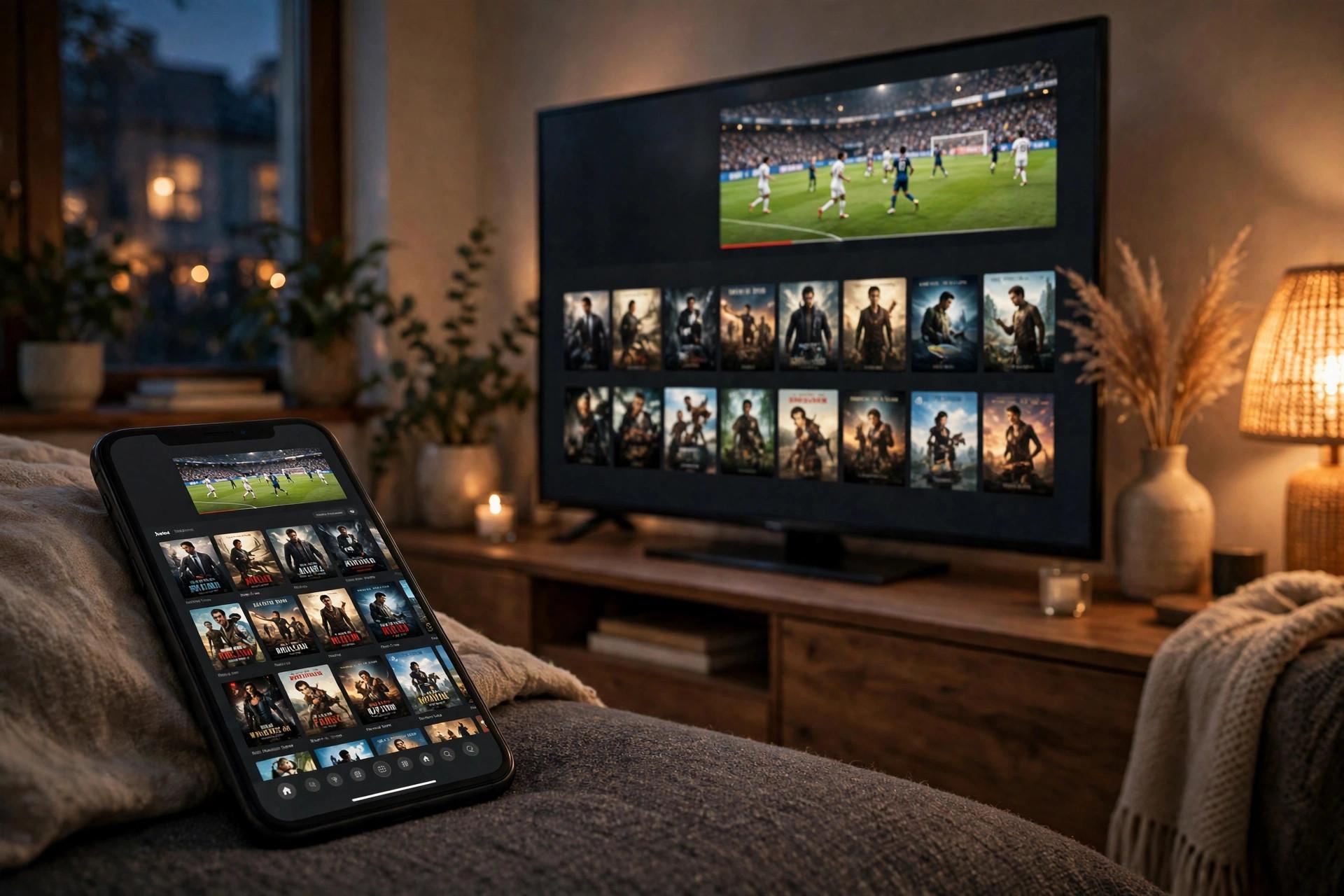
iPhone and iPad run the same Smarters Pro app from the App Store, with the same login, and the phone adds downloads for offline viewing and AirPlay to the TV. Start a channel on the iPhone, tap the AirPlay icon, and pick the TV — Apple TV 4K, a Samsung or LG TV with AirPlay 2, or a Roku with AirPlay on. The phone becomes the remote, and the stream plays on the big screen. Set separate stream qualities for Wi-Fi and mobile data, because an hour of HD uses about 2 GB of data and 4K uses about 7 GB. The Apple TV setup guide and the iPhone setup guide cover both screens in full.
Samsung and LG smart TVs: no extra hardware
Samsung Tizen and LG webOS TVs need no stick and no box: install IBO Player from the Samsung Apps store or the LG Content Store, open it, and send the MAC address and key on screen to support on WhatsApp. After activation, restart the app and the channels, movies and guide load automatically. The whole setup takes about ten minutes, and the TV remote does everything. Set the TV picture mode to Movie or Cinema, turn off motion smoothing, and connect by Ethernet or 5 GHz for 4K. The Magic Remote pointer on LG makes the guide faster than any other TV remote, and the Samsung SolarCell remote has fewer buttons but the same menus under the directional pad.
The catch is the player choice: Tizen and webOS do not run TiviMate or Smarters Pro, so IBO Player and Smart IPTV are the only players, and neither records. A Firestick plugged into the Samsung or LG TV is the workaround when the household wants TiviMate, recording or multi-view — the stick costs about $60 and the TV keeps its own apps for everything else. Reinstalling IBO Player keeps the same MAC address, so no new activation is needed after a reinstall. The Samsung setup guide and the LG setup guide walk through the MAC activation step by step.
MAG, Formuler and Roku: the dedicated boxes and the mirror
MAG and Formuler are the dedicated IPTV boxes, and both use a portal URL instead of a login form. On a MAG 524 or 540, open Settings, then System Settings, then Servers, then Portals, type the portal URL from WhatsApp into Portal 1, save, and restart the box — and send the box MAC address to support first, because the line is tied to it. On a Formuler Z11 Pro Max, open MYTVOnline, choose Add Portal, type the portal name and URL, and press Connect. Both boxes load the channels, guide and VOD in one to three minutes, and both record to a USB drive — the Formuler can even record one channel while you watch another.
Roku is the odd one out: it lists no IPTV player app, so the only route is mirroring from a phone, tablet or computer. Install Smarters Pro on the iPhone or Android phone, log in, start a channel, and mirror with AirPlay or Smart View to the Roku. The stream plays on the TV while the phone acts as the remote. Mirroring is free and fine for a trial or a second TV, but a Firestick 4K Max on the same TV is the permanent fix, with its own remote and 4K HDR. The MAG setup guide, the Formuler setup guide and the Roku setup guide cover all three in full.
Windows, Mac and the second screen
Windows 10 and 11 run IPTV Smarters Pro for Windows with the same Xtream Codes login, and VLC plays the same playlist from an M3U link as the diagnostic fallback. Install the app, choose Login with Xtream Codes API, paste the password from WhatsApp Web, and the channels and guide load in one to two minutes. The PC is the best recorder in the house, because it has the storage and it never sleeps if you tell it not to — set the sleep timer to Never on recording nights. Pin the app to the taskbar for one-click TV, and use Ethernet on a desktop for the most stable 4K.
Mac runs the same Smarters Pro app from the Mac App Store, or VLC from the web, with the same login — the steps are identical, and the EPG, favorites and recording all work the same way. A Mac on Wi-Fi plays HD smoothly, and a Mac on Ethernet plays 4K without thinking about it. The second screen is the use case that ties the house together: the game on the living-room TV, the news on the iPad in the kitchen, the movie on the laptop in the bedroom — each device its own login on a multi-device plan, each one set up in five minutes from the same WhatsApp message. The Windows setup guide covers the PC in detail, and the multiple-device pricing is on the plans page.
One evening, every device: the test that matters
The test that matters is one evening with every device you own. Start the free 24-hour trial on WhatsApp, set up the main TV first, then the bedroom TV, then the phone, and watch at 8 PM during a live game on each one. A service that holds up on the Firestick, the Samsung TV and the iPhone at the same hour is a service that holds up any night. If one device buffers while the others play, that device is the problem — check its Wi-Fi band, its cache and its storage, in that order. If every device buffers at once, the connection is the problem, and the buffering fix guide walks through the speed test, the bands and the Ethernet fix.
- Start the free trial on the main TV, then add one device at a time.
- Keep the login details from WhatsApp saved on the phone for the next device.
- Give each device its own login on a multi-device plan — never share one login.
- Set every device clock to automatic so the EPG lines up everywhere.
- Test all devices at 8 PM during a live game, not one at a time in the morning.